Making Your Website AI Agent Friendly: A Complete Guide
AI agents are becoming the new gatekeepers of information. Here's how to make sure your personal website shows up when people ask AI about you or your expertise.

Listen to this post
AI agents are quickly becoming the primary way people find and access information online. Making sure your personal website works well with these systems is no longer a nice to have. It's essential.
I recently went through the process of optimizing my own site for AI discovery, and I want to share everything I learned along the way.
Why This Matters Now
The Move Toward AI First Discovery
For years, we focused on ranking well in Google searches. But things are changing fast:
- ChatGPT now has over 180 million weekly active users
- Perplexity handles millions of queries every single day
- Claude is built into countless workflows and tools
- AI agents are becoming the middleman between people and information
When someone asks an AI assistant about your field or even about you directly, your website should be part of what it knows.
The Opportunity in Front of You
Most personal websites are completely invisible to AI agents right now. By taking steps to optimize for AI discovery, you can:
- Show up in AI generated answers and get cited as a source
- Have your content included in AI training data
- Establish yourself as a trusted voice in your area of expertise
The Technical Implementation
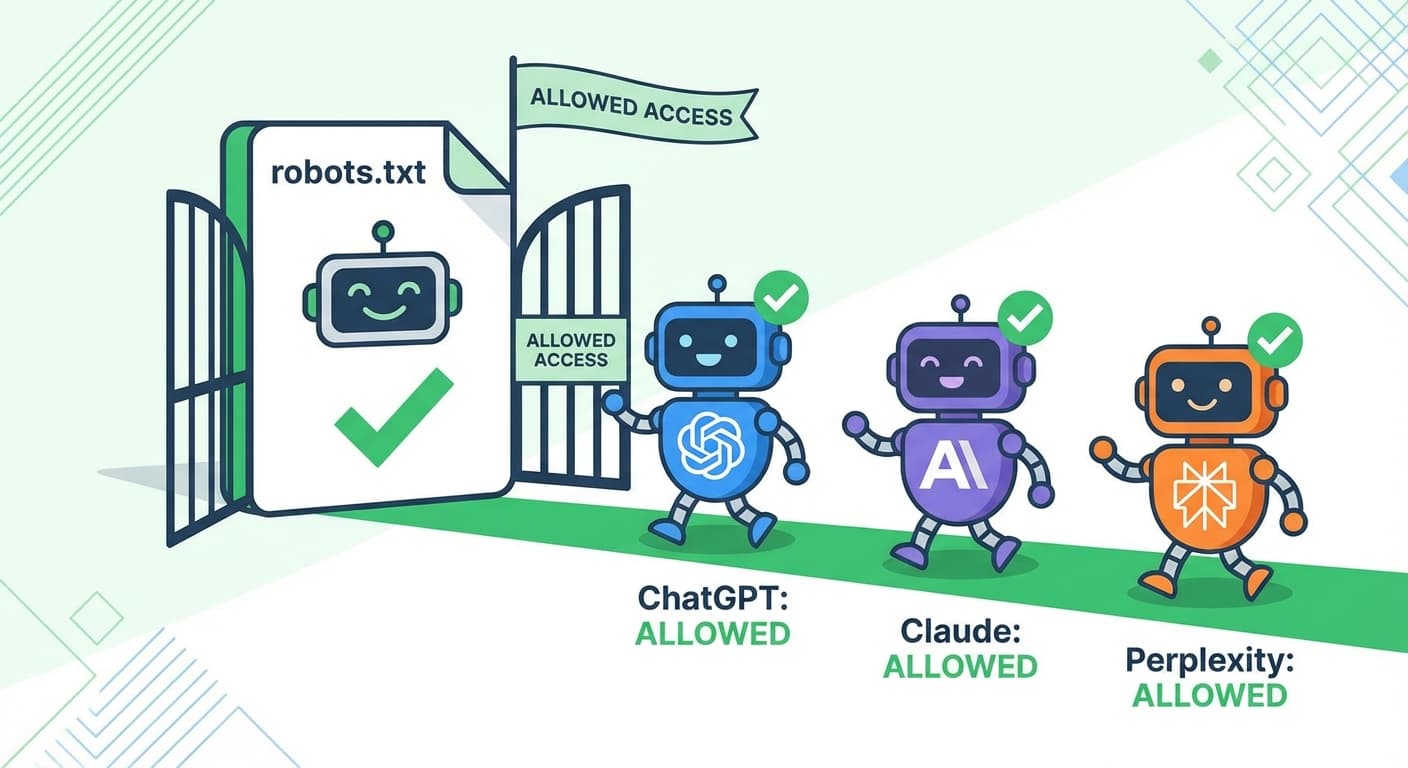
Step 1: Update Your Robots.txt File
Your robots.txt file tells bots what they can and can't access. By default, many AI crawlers are blocked. Here is a configuration that welcomes them:
# Welcome AI Agents
User-agent: GPTBot
Allow: /

User-agent: ChatGPT-User
Allow: /

User-agent: Claude-Web
Allow: /

User-agent: ClaudeBot
Allow: /

User-agent: Perplexity-User
Allow: /

User-agent: PerplexityBot
Allow: /

User-agent: anthropic-ai
Allow: /

User-agent: Applebot-Extended
Allow: /

User-agent: Google-Extended
Allow: /

User-agent: cohere-ai
Allow: /

# Standard crawlers
User-agent: *
Disallow: /api/
Disallow: /admin/
Allow: /
Step 2: Create an llms.txt File
This is a new standard specifically for AI systems. Create a file at your root called llms.txt that provides a quick summary of who you are and what your site offers:
# Your Name

> Brief description of who you are and what you do

## About
- Background information
- Areas of expertise
- What visitors can find on your site

## Key Content
- [Blog](/blog): Topics you write about
- [Projects](/projects): Work you have done
- [Contact](/contact): How to reach you

## Expertise Areas
- Topic 1
- Topic 2
- Topic 3
Step 3: Add Structured Data
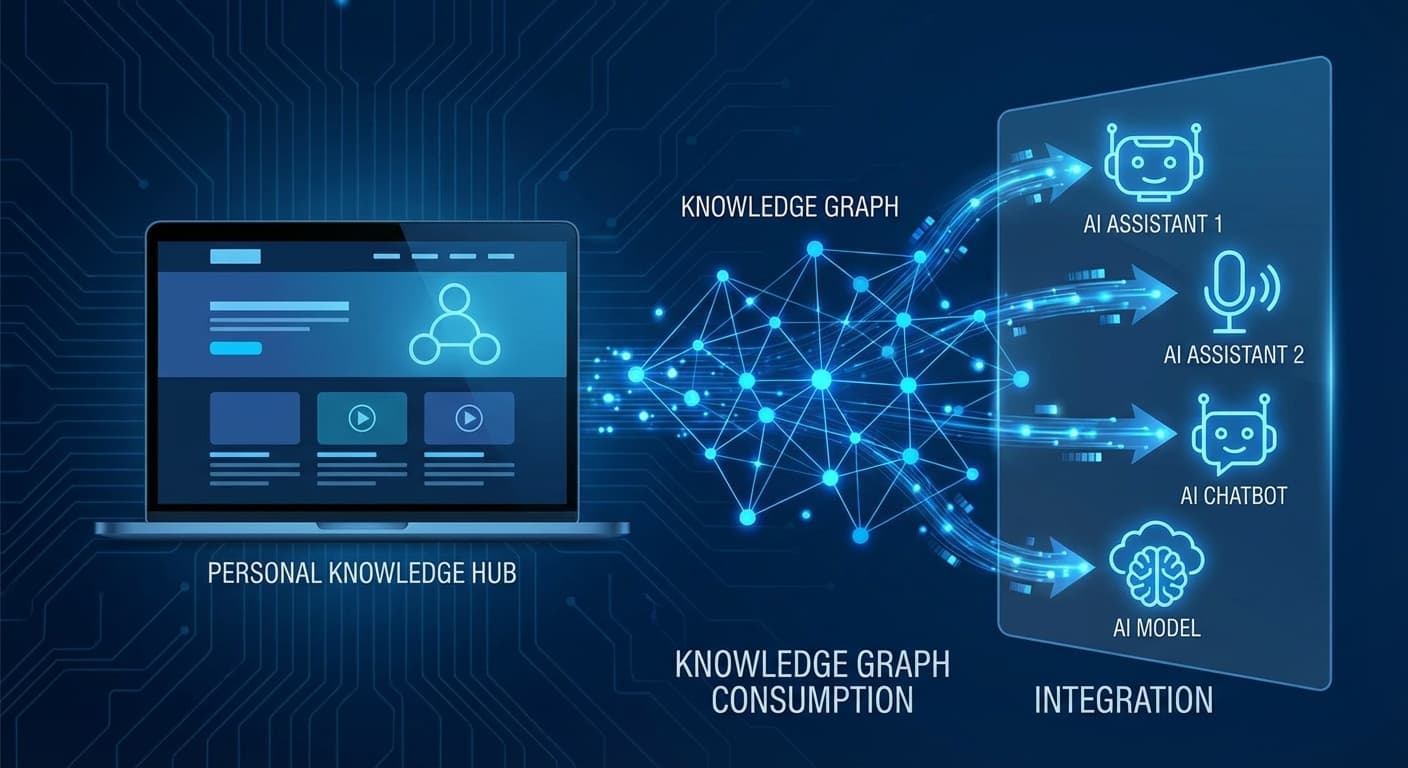
Help AI systems understand your content better with JSON-LD structured data:
const structuredData = {
  "@context": "https://schema.org",
  "@type": "Person",
  "name": "Your Name",
  "url": "https://yoursite.com",
  "jobTitle": "Your Title",
  "description": "What you do and what you are known for",
  "sameAs": [
    "https://twitter.com/yourhandle",
    "https://linkedin.com/in/yourprofile",
    "https://github.com/yourusername"
  ],
  "knowsAbout": [
    "Topic 1",
    "Topic 2",
    "Topic 3"
  ]
}
Step 4: Build an AI Specific Sitemap
Create a dedicated sitemap that points AI systems to your most important content:
<?xml version="1.0" encoding="UTF-8"?>
<urlset xmlns="http://www.sitemaps.org/schemas/sitemap/0.9">
  <url>
    <loc>https://yoursite.com/</loc>
    <priority>1.0</priority>
    <changefreq>weekly</changefreq>
  </url>
  <url>
    <loc>https://yoursite.com/about</loc>
    <priority>0.9</priority>
  </url>
  <url>
    <loc>https://yoursite.com/blog</loc>
    <priority>0.8</priority>
  </url>
</urlset>
Step 5: Optimize Your Meta Tags
Make sure every page has comprehensive meta information:
<meta name="description" content="Clear description with relevant keywords">
<meta name="keywords" content="keyword1, keyword2, keyword3">
<meta name="author" content="Your Name">
<meta property="og:title" content="Page Title">
<meta property="og:description" content="Page description">
<meta property="og:type" content="website">
Quick Checklist
Here is a summary of everything you need to do:
- Update robots.txt to allow AI crawlers
- Create an llms.txt file with your key information
- Add JSON-LD structured data to your pages
- Build an AI focused sitemap
- Include comprehensive meta tags with good keywords
- Make sure your sitemap covers all important pages
Looking Ahead
As AI agents become the main way people interact with information online, being discoverable isn't optional anymore. It's the foundation of your online presence.
The steps outlined here will help ensure that when someone asks an AI about topics in your field, your website becomes part of its knowledge base.
Useful Resources
If you want to dive deeper, here are some helpful references:
- LLMS Central for a complete list of AI bot user agents
- Dark Visitors for detailed AI bot profiles
- Paul Calvano for data on AI bot growth trends
If this is relevant to your team, get in touch. We can help you audit your site for AI discoverability and fix the highest-impact gaps first.